

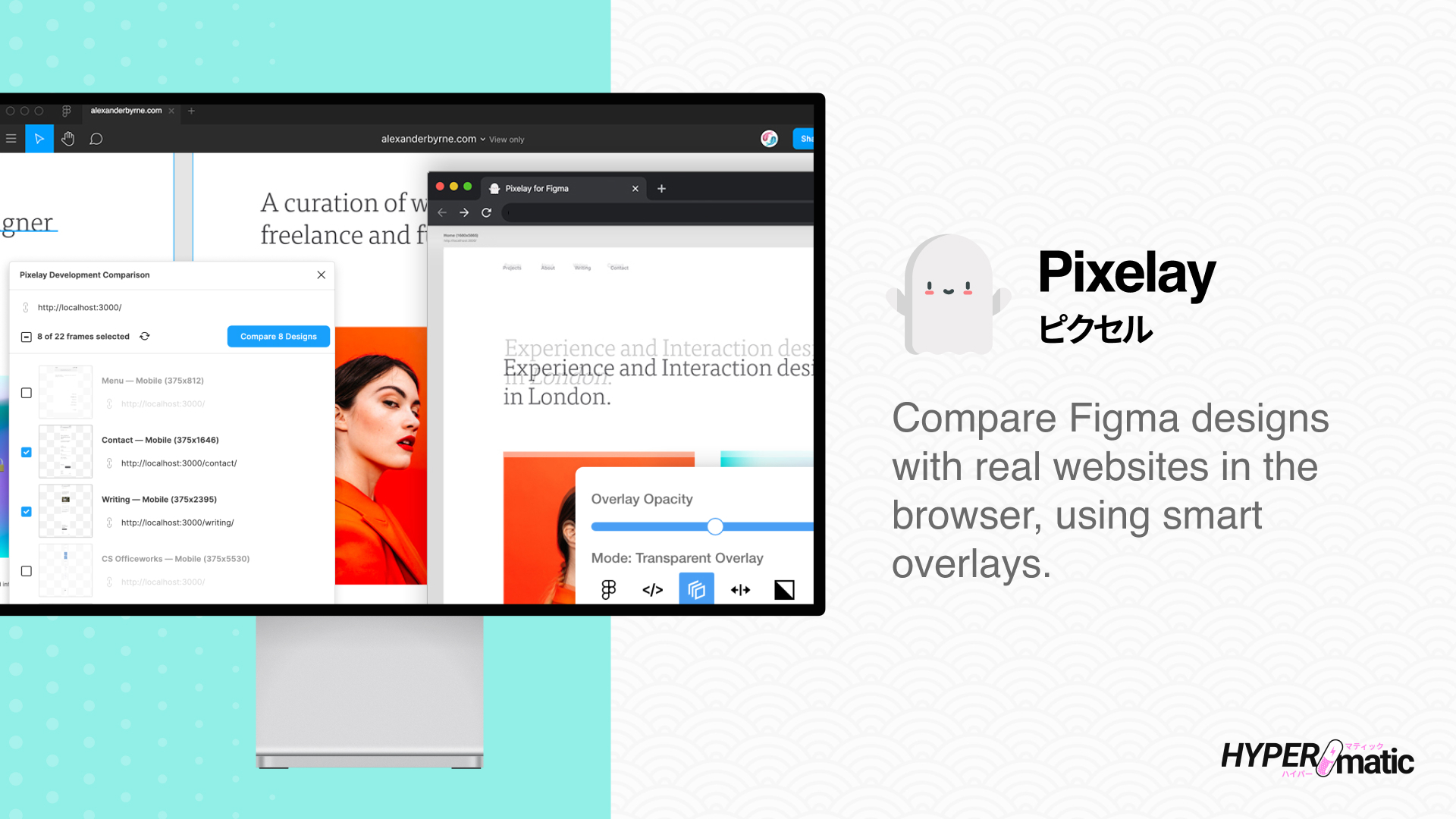
Install and activate Pixelay
Install & Run the Figma plugin
How to run Pixelay inside of Figma
Activate Pixelay Pro
How to buy and use a Pro license key
Using Pixelay
Pixelay Documentation
Detailed docs with short screencaps
Pixelay Video Tutorials
Full step-by-step video walkthroughs
Frequently asked questions
Troubleshooting Pixelay
Common issues you may run into
Pixelay Security
Details about how Pixelay works
Receipts
Find email receipts and PDF invoices
Billing
Manage your Pro subscription
License Seat Management
Manage the Figma users on your key
Pixelay Free vs Pro
Compare Free vs Pro features
Pixelay features
- Compare multiple Figma designs and URLs at the same time.
- Runs in both Figma Design Mode and Dev Mode, including Dev-seat QA workflows.
- Light-weight Chrome Extension required to compare multiple pages at once.
- Compare Figma designs with the implemented website during visual QA.
- Test your responsive designs, with support for multiple screen sizes (for example, desktop/mobile/tablet).
- Switch between multiple development, test, and production URLs.
- Transparency, split-screen, toggle, drag and diff overlays.
- Optionally specify different website page URLs per Figma frame.
- Supports localhost through BrowserSync or hot module reloading.
- Built-in pixel ruler for measuring space differences in comparisons.
- Measure and review visual differences between Figma and the website.